Home Screen
The Home Screen is the main screen users see after logging in. It has 5 sections that scroll vertically.
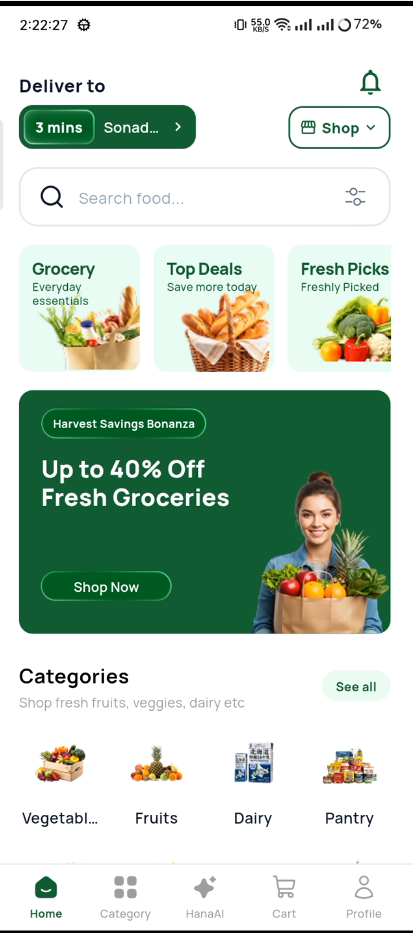
Home Screen
Sections
1. Hero Banner
Auto-sliding promotional banners at the top.
- Slides change every 3 seconds
- Swipe left/right manually
- Dots show current slide
- Each banner has a title, subtitle, and "Shop Now" button
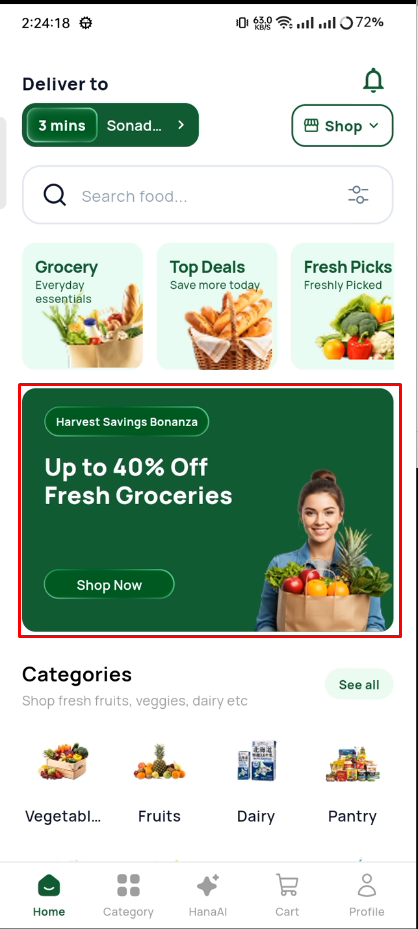
Hero Banner
2. Quick Categories
8 grocery categories in a horizontal scrollable row.
| # | Category |
|---|---|
| 1 | Vegetables |
| 2 | Fruits |
| 3 | Dairy |
| 4 | Pantry |
| 5 | Snacks |
| 6 | Beverages |
| 7 | Frozen |
| 8 | Household |
Tap any category to see products in that category.
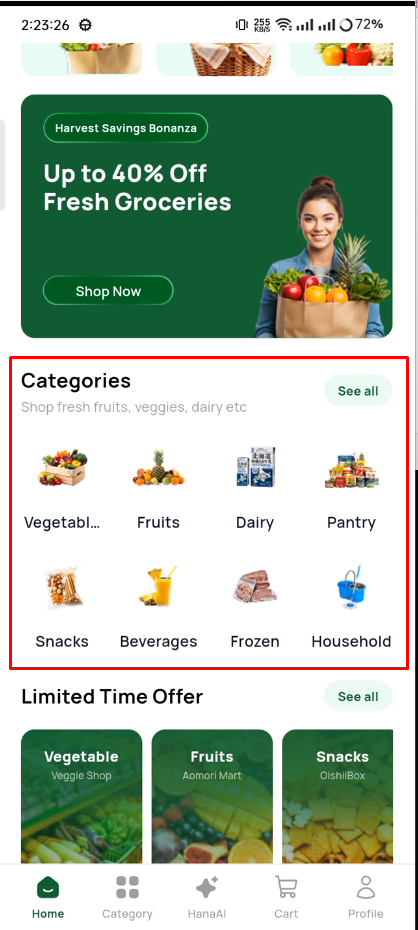
Quick Categories
3. Limited Offers
Products with active discounts displayed in a horizontal scroll.
Each card shows:
- Product image
- Product name and weight
- Original price (crossed out)
- Discounted price
- Discount percentage badge
- Add to cart button
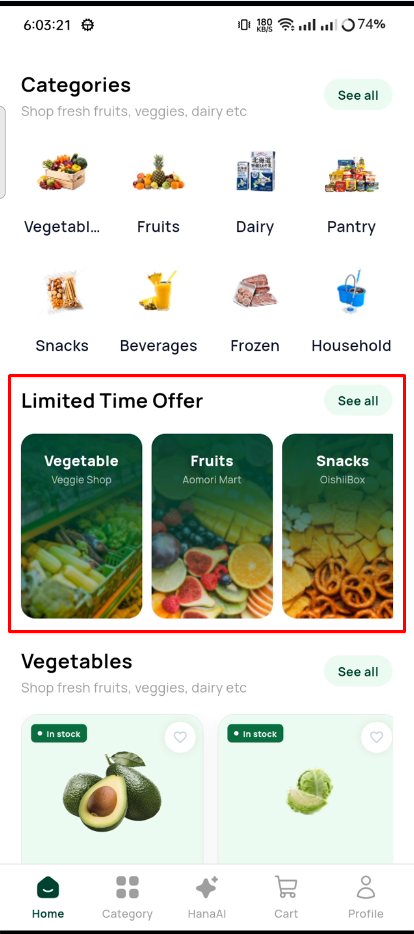
Limited Offers
4. AI Recommendations
Smart product suggestions from the Hana AI engine.
- Horizontal scroll of product cards
- "AI Pick" badge on each card
- Tap to view product details
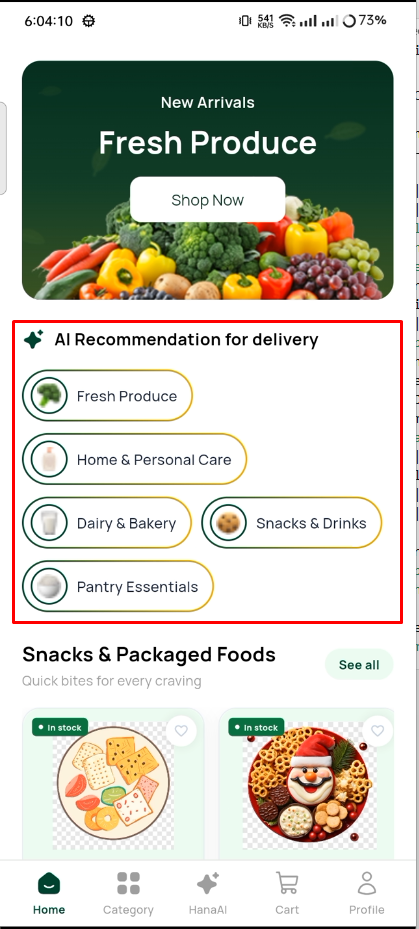
AI Recommendations
5. Daily Purchase
Items the user frequently buys for quick re-order.
- Compact card layout
- Large "Add" button
- One-tap re-order
Customizing the Home Screen
You can reorder or hide sections:
- Reorder — Move the section widgets in
home_view.dart - Hide a section — Comment out or remove the section widget