Quick Start
Get GreenCart up and running on your device in under 5 minutes.
:::info Prerequisites This guide assumes Flutter SDK is already installed on your machine. If not, follow the full Installation Guide first — it takes about 15 minutes. :::
Step 1 — Extract the Downloaded Files
After purchasing from CodeCanyon, you will receive a .zip file.
Extract it anywhere on your computer.
hana-go-v1.0.0/
├── hana_go/          ← Your main Flutter project
├── hana_go_docs/     ← This documentation site
└── README.pdf        ← Quick reference card
important
Always work inside the hana_go/ folder — that is your Flutter project root.
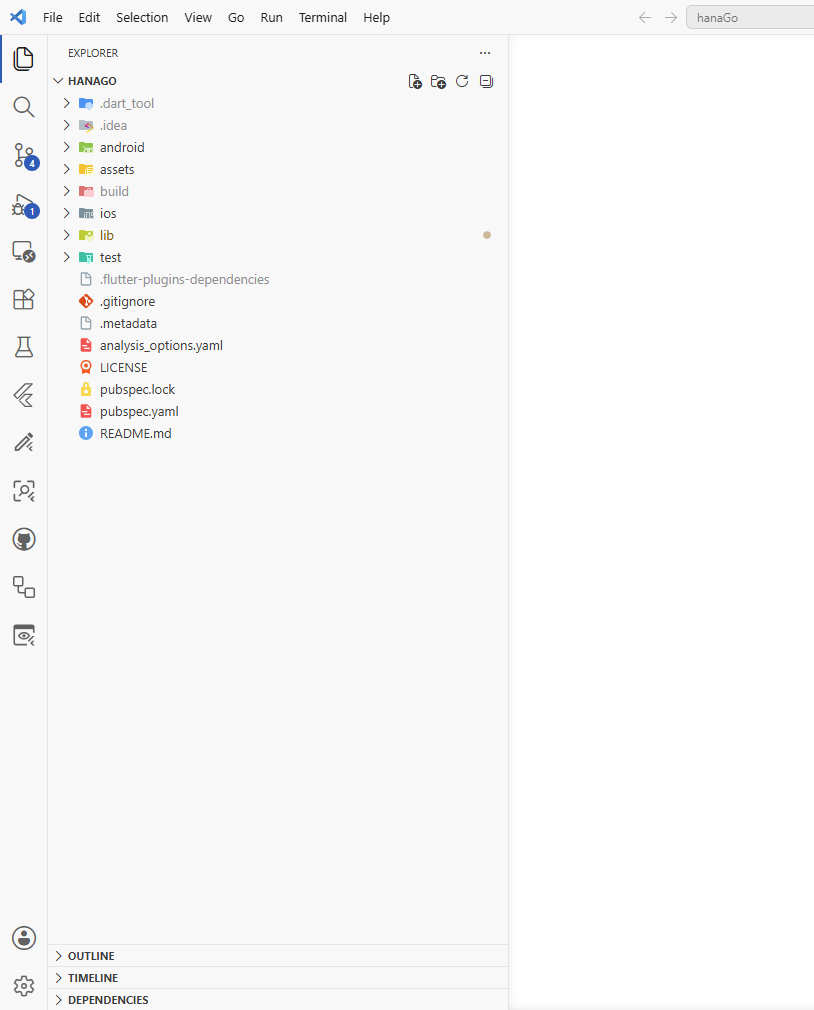
Step 2 — Open the Project
- Open VS Code
- Go to File → Open Folder
- Select the
hana_go/folder and click Open
🔍 Hover to zoom
Step 3 — Install Packages
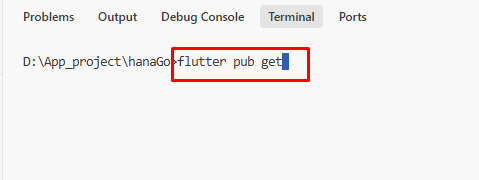
Open the terminal inside your editor and run:
flutter pub get
Wait for it to finish. You should see:
Resolving dependencies...
Got dependencies!
Step 4 — Run the App
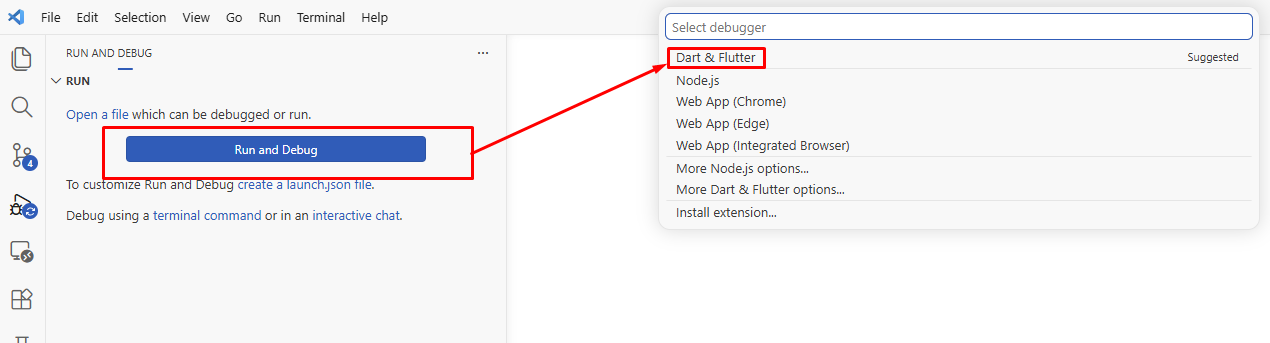
- VS Code (Recommended)
- Terminal
- Click the Run and Debug icon in the left sidebar, or press
Ctrl+Shift+D - Select your emulator or physical device from the dropdown at the top
- Click the green ▶ Run button, or press
F5 - Wait 60–90 seconds for the first build to complete
# See all connected devices
flutter devices

# Run on the default device
flutter run

# Run on a specific device
flutter run -d <device-id>
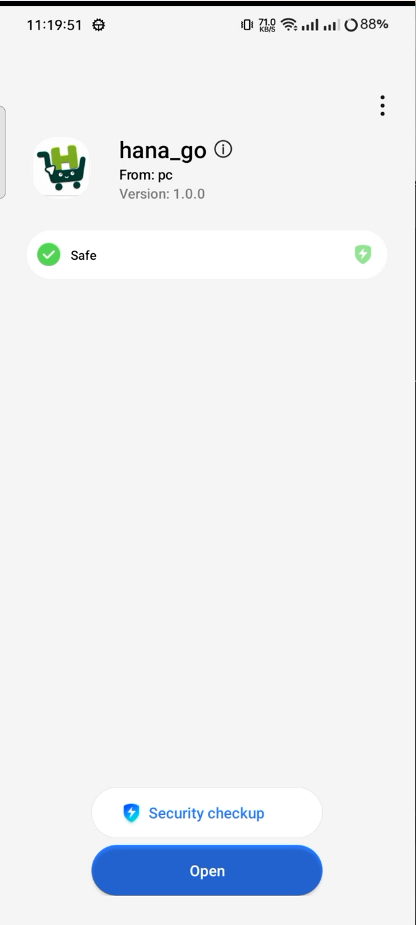
Your app should now look like this:
:::tip Hot Reload and Hot Restart
- Press
rin the terminal → Hot Reload — updates the UI instantly, keeps app state - Press
Rin the terminal → Hot Restart — full restart, resets state — use after logic or controller changes :::